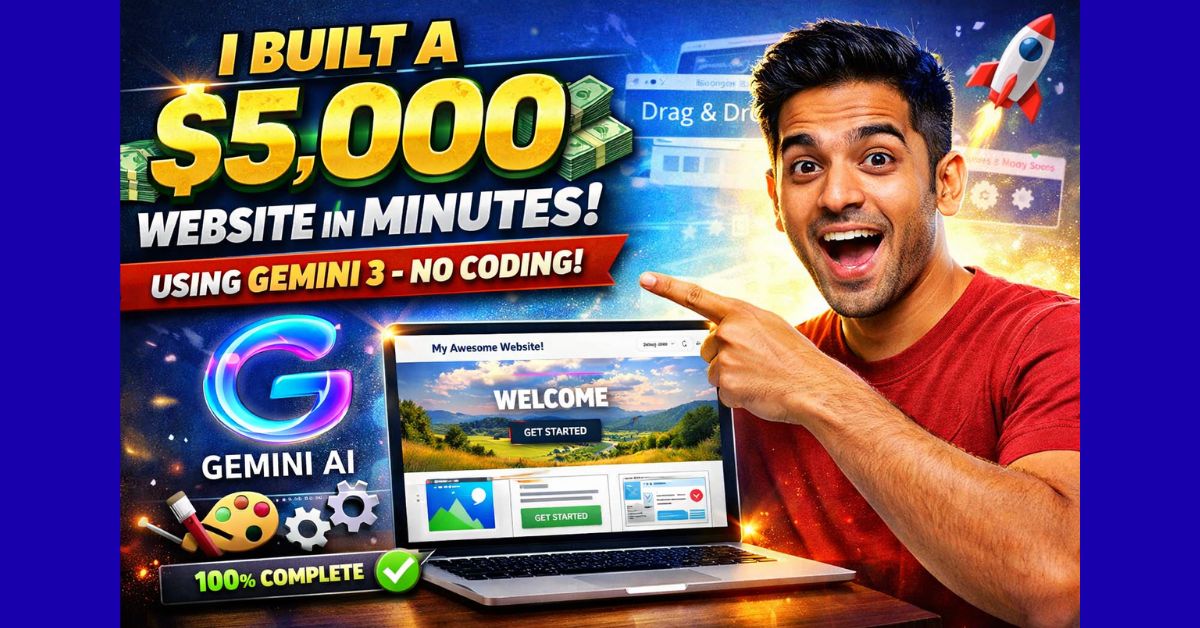
Vibe Design AI Websites: Over the last year, AI website builders and “vibecoded” tools have exploded in number. You can now type a prompt and get a functional website in a few minutes.
The problem?
Most of those sites look bad.
They might work technically, but visually they feel cheap, generic and “AI-made”. For agencies, SaaS founders and serious businesses, that’s not good enough. Clients don’t just want a website that exists. They want something that looks premium, feels on-brand, and is good enough to charge $5,000–$10,000 for.
That’s where “vibe design” with tools like Gemini 3 and design-focused platforms such as a.build (Aura) come in.
This article breaks down the key ideas from a long-form conversation with Ming, a designer with 20+ years of experience, who’s now applying that design background to AI-generated websites.
What Is “Vibe Design” (or Vibe Coding)?
Traditional design is slow:
- You start with wireframes
- You spend days in Figma or Sketch
- You hand off to developers to code everything
Vibe design flips that.
You use an AI model (like Gemini 3) plus a design-aware tool to generate full websites quickly, and then you “vibe” your way through changes:
- “This color feels off.”
- “This image doesn’t match the brand.”
- “This font feels wrong for a tech audience.”
Instead of coding every component by hand, you treat the AI output as clay. You tweak, nudge and refine until it matches the taste, brand and expectations of the client.
The key insight:
AI can produce a lot, very fast. But only a human with taste can steer it to something that looks genuinely high-end.
Why Most AI-Generated Sites Look Bad
Ming explains a simple truth: Gemini 3 (and similar models) are powerful, but they are terrible when you give them bad prompts.
If you just say:
“Build a landing page for my AI consulting business.”
You’ll get something that:
- Works
- Is technically decent
- But looks generic and unrelated to the actual brand
There is no control over:
- Color system
- Typography style
- Mood and personality
- Animation and interaction style
For a serious client, those details matter. Sometimes the difference between “I’ll think about it” and “Let’s do it” is as small as using their favourite shade of green or a font that feels like their industry.
The Secret: Prompting With Visual References and Real Brand Data
Ming’s approach is simple but powerful:
- Start from the client’s existing brand
- Their current website
- Logo
- Brand colors
- Tagline or manifesto
- Add a high-quality design reference
- Screenshot from a site like Apple, Linear, or a Dribbble shot
- Or a template you like from a design gallery
- Or a nicely designed SaaS landing page from Mobbin
- Combine both in the prompt
Instead of a generic prompt, use something like: “Create a landing page for my AI consulting business ‘Morningside’.
Use this screenshot as reference for layout and structure.
Use these brand colors and this manifesto text.
Style in the spirit of [reference site], with smooth animations and modern SaaS typography.”
When you do that, Gemini 3 has:
- A concrete visual target
- Brand-specific color and copy
- A clear style direction
The result jumps from “okay” to “client-ready” very quickly.
From $10K Landing Pages to 30-Minute Builds
Traditionally, high-end landing pages cost between $5,000 and $10,000.
That price includes:
- Design discovery
- Moodboarding and wireframes
- UI design
- Front-end development
- Animation and polish
With Gemini 3 and tools like a.build, Ming shows how you can get:
- A high-quality, animated landing page
- Using the client’s brand
- In about 30 minutes
Not because AI magically replaces all design work, but because:
- You reuse proven template structures
- You feed AI strong visual references
- You know what to change and what to leave alone
This is exactly the type of offer AI agencies can use as:
- A foot-in-the-door: redesign the client’s existing ugly site
- A fast win: show visible value before pitching complex automation
- A recurring service: ongoing landing pages for campaigns, features, product launches
The Basic Workflow for Agencies and Freelancers
Here is a simplified step-by-step version of Ming’s process that any AI agency or solo freelancer can follow.
Step 1: Study the Client’s Brand
- Visit their current website
- Note the logo, primary colors, tagline
- Understand who they serve and what they sell
You’re not copying their current design. You’re extracting:
- Visual identity
- Tone
- Key messaging
Step 2: Collect Design References
You now create a mini moodboard.
Sources Ming recommends:
- Mobbin – for real, live product and marketing pages
- Dribbble – for high-concept, “concept car” style visuals
- Big brand sites – Apple, Linear, Squarespace, etc.
You’re looking for:
- Layouts that match the vibe (futuristic, minimal, playful, corporate)
- Color palettes similar to what the client likes (blue, green, dark mode, etc.)
- Strong hero sections, nice cards, and interesting UI elements
You can filter by color, style, and type (SaaS, agency, portfolio).
Step 3: Capture Screenshots
Take simple screenshots:
- Of the client’s current site (for branding)
- Of your favorite reference layout
- Of specific sections you like (hero, features, pricing, testimonials)
These screenshots become ingredients in your prompt.
Step 4: Build a Strong Prompt for Gemini 3
Instead of a vague request, your prompt should include:
- Business name
- What the product/service does
- Target audience
- Desired style (“in the style of Linear”, “modern SaaS”, “dark mode”, “blue tones”)
- And attach your reference image(s)
Example:
“Create a modern SaaS landing page for an AI SDR platform called OutreachX.
It helps AI agencies generate leads and automate outreach.
Use a dark blue / muted purple color palette.
Style similar to Linear.app.
Use this screenshot as layout inspiration.
Include sections for hero, feature overview, social proof, pricing, and FAQ.”
Gemini 3 will:
- Propose structure (hero, features, logos, sections)
- Apply your colors
- Create a demo UI preview
- Generate code and layout in your design tool
Step 5: Refine With Taste, Not Just Prompts
Now you switch from “prompting” to “vibe design”.
You ask:
- Does the hero section look strong enough?
- Does this font fit a modern tech company?
- Are the buttons too basic?
- Do animations feel smooth or distracting?
Ming’s tools allow quick edits:
- Change font family and weight
- Swap background style
- Add tasteful animations (glows, beams, hover states)
- Replace generic images with something more on-brand
The important point:
You are not rewriting prompts for every tiny change. You use AI for the heavy lifting and then fine-tune via simple controls.
Understanding Sections: Thinking Like a Designer
Even with AI, you still benefit from basic UX logic. Common landing page sections include:
- Hero: headline, subheadline, CTA, and a product visual
- Social proof: logos or testimonials
- Features: what the product does and why it’s different
- Process / how it works
- Pricing: tiers, benefits, guarantees
- FAQ: objections, concerns
- Footer: navigation, contact, legal
Ming suggests spending up to half your effort just on the hero section.
It sets the tone and is what appears in:
- Above-the-fold view
- Screenshots
- Thumbnails
- Portfolio shots
If the hero looks premium, the whole site feels premium.
The Real Skill: Taste and Vocabulary
AI can write code and generate layouts. What it cannot do (yet) is replace taste.
Taste is built over time:
- Looking at hundreds of good and bad designs
- Noticing what feels clean vs cheap
- Understanding when to use flat, glassmorphism, or 3D
- Knowing when a font feels “finance”, “gaming” or “SaaS”
Ming also points out the importance of vocabulary. If you don’t know terms like:
- Hero section
- Bento layout
- Glassmorphism
- Flat design
- Onboarding section
- Split layout
You cannot give precise instructions to AI tools.
Once you learn this language, AI stops being a toy and becomes a serious design partner.
Why This Skill Is So Valuable Right Now
Being able to design and build high-quality websites using AI is an extremely useful skill in 2025:
- You can build your own agency website in days, not months
- You can offer premium landing pages to clients
- You can quickly ship UIs for your own SaaS ideas
- You can charge high-ticket prices because the result looks and feels like custom design
Most businesses still don’t know these tools exist.
That gap — between what’s possible and what’s commonly done — is where opportunity lives.
If you can:
- Understand a client’s brand
- Collect strong references
- Prompt Gemini 3 properly
- And then refine with taste
You are no longer just “using AI”. You’re selling a premium outcome:
fast, beautiful, on-brand web experiences that would have taken weeks before.
And in this new era, that’s a skill worth real money.

With years of experience in career guidance and skill development, Kapil shares practical insights on AIToolClouds.com, a platform designed to empower professionals, students, and freelancers with valuable knowledge.